Equalizer
Start with a preset. Fine-tune any of eight bands when you hear something you want to change.
Make quiet dialogue clearer, reduce boomy bass, and even out volume. Free video equalizer and audio normalizer for Mac.

No account. Your files stay on your Mac.
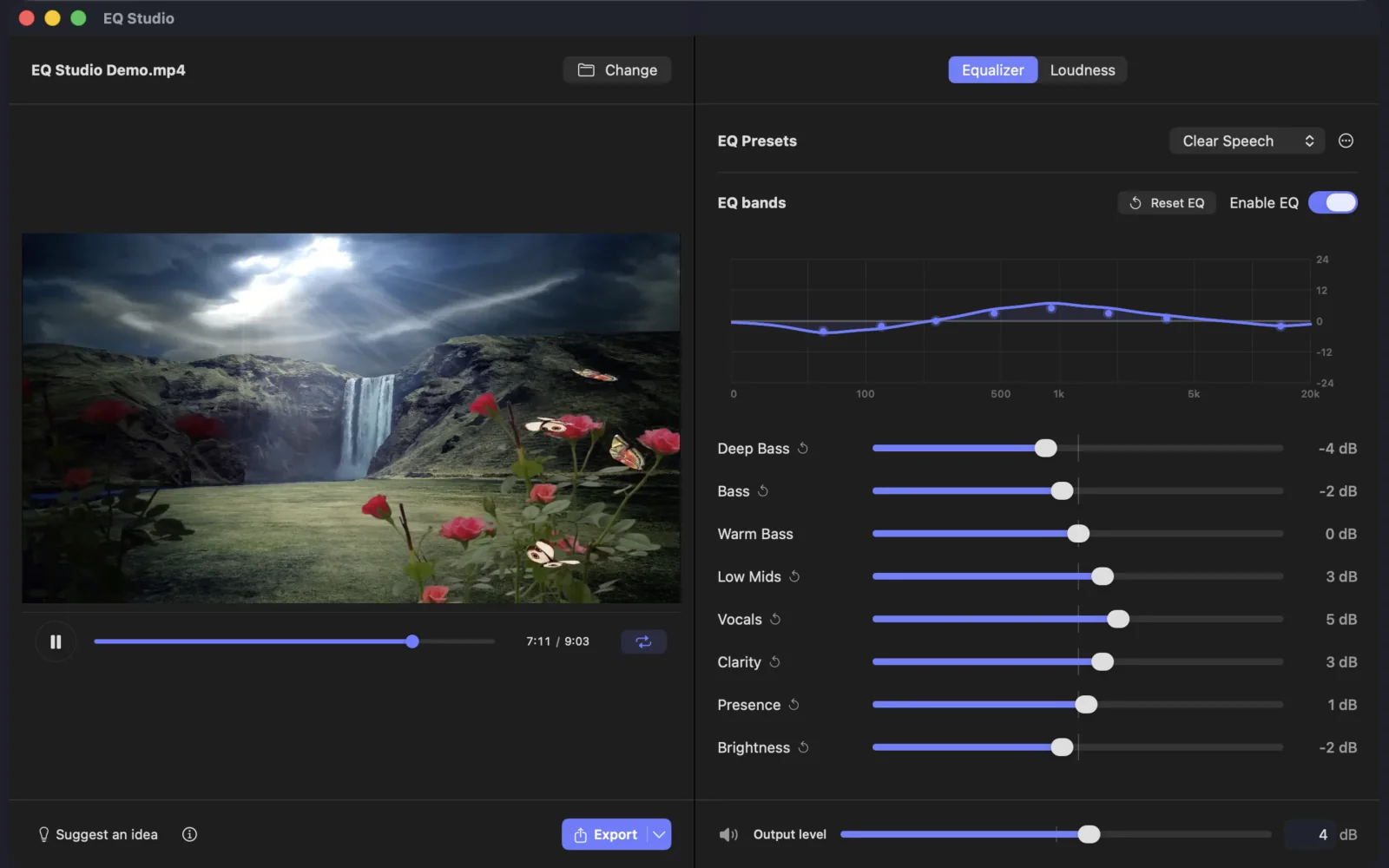
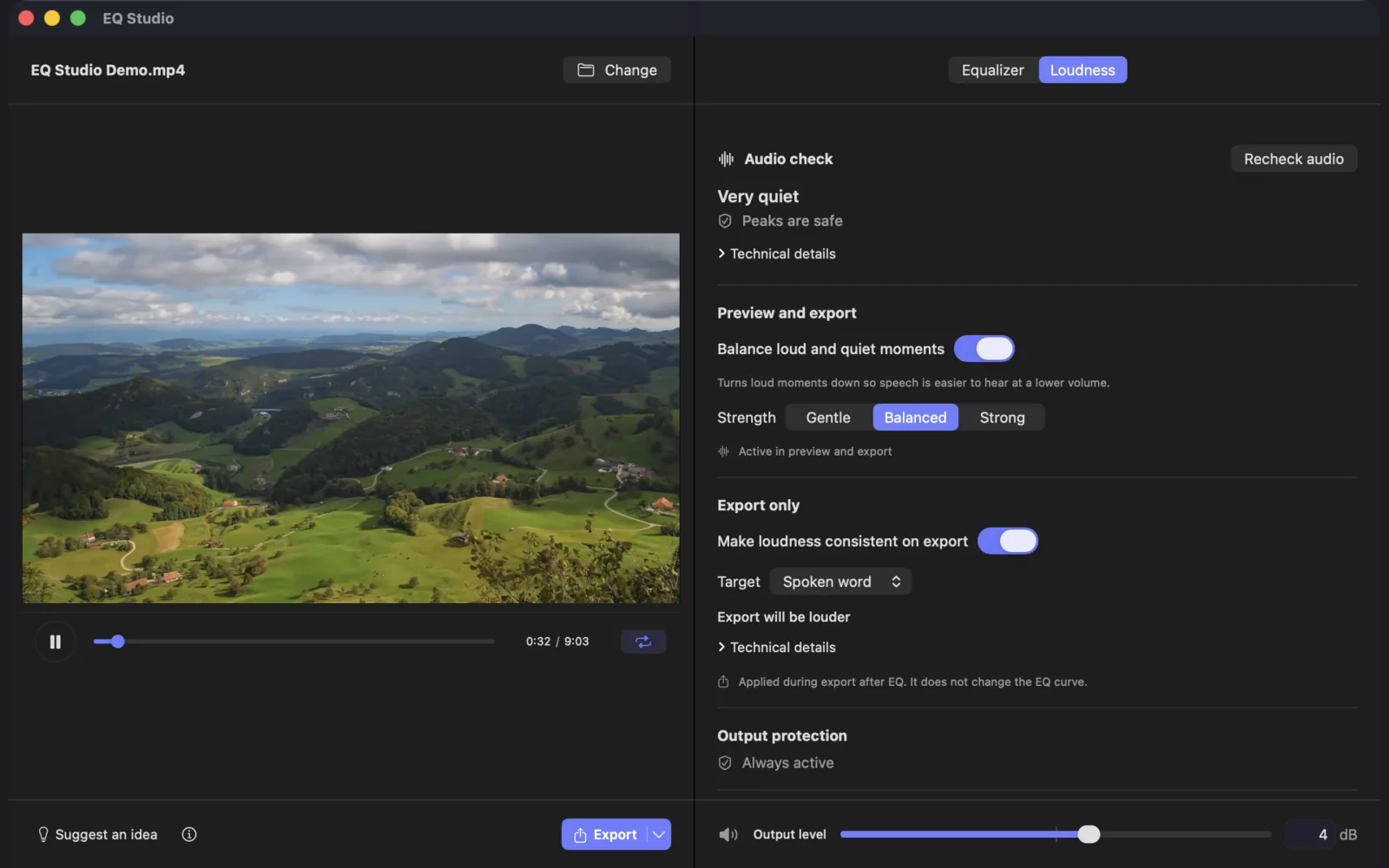
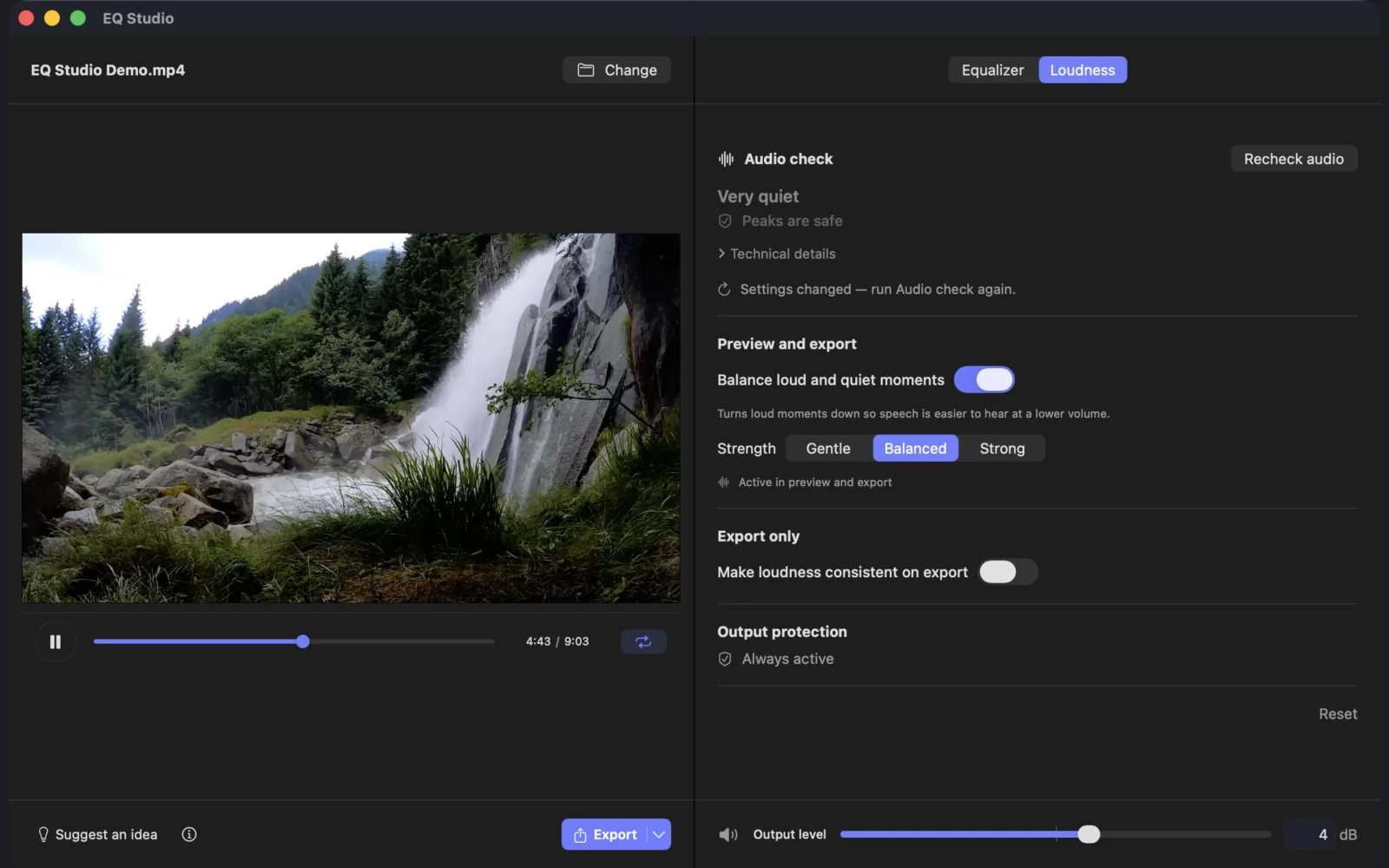
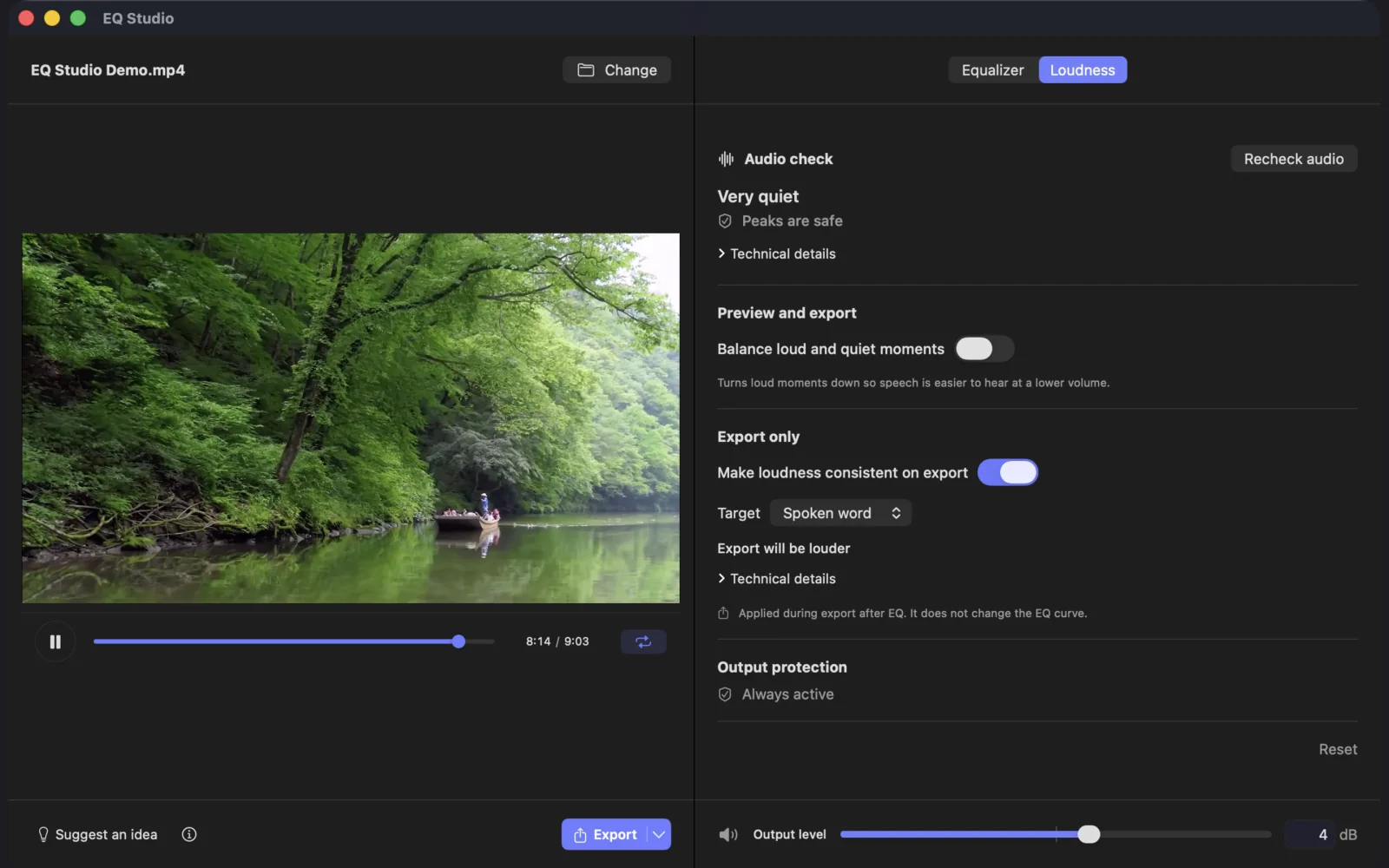
Try Clear Speech, Less Boom, or Brighten Music. Want more control? Adjust eight EQ bands.
Preview the change, then use Audio check to see if it is ready to export.
Your original stays unchanged. Video exports keep the picture as it is and replace only the audio.
Start with a preset. Fine-tune any of eight bands when you hear something you want to change.
See if the result is too quiet, too loud, or likely to clip before you export.
Protection starts on in preview and export, and you can turn it off when needed. Finished files are checked before they are saved.
Video: MP4, MOV, M4V
Audio: M4A, MP3, WAV, AIFF/AIF, CAF, AAC